Thursday, March 17, 2016

Information Fluency & 21st Century Skills

In this module I have learned a better understanding of search engines.  I now know how to do advanced searches, to find the information I am looking for much quicker.  When searching for something specific such as white pizza without pepperoni, I would put quotation marks around white,  and a minus sign before pepperoni. This will search for only white pizza without pepperoni. These search techniques definitely save time searching through so much material on the Web. 

The deep web, is a part of the internet that is unseen through everyday search engines. The more I have looked intot the deep web it is frigtning. This part of the web is below the surface of the Worl Wide Web, and can be accessed by using metasearch engines such as  Dogpile DeeperWeb National Security Archive, and PubMed .


New Terminology

Information Fluency: is a model that builds on the skills of traditional digital literacy, integrating technology with domain specific knowledge, critical thinking, presentation, participation and communication skills.

Invisible Web: refers to the part of the world wide Web that's not indexed by the search engines.

Metasearch Engine: A meta search engine is a type of search engine that gives results based on a combination of results from other search engine databases. It specializes in concatenating databases from a variety of search engines and linking search results to relevant sources.

DeepWeb: the portion of the Internet that is hidden from conventional searchengines, as by encryption the aggregate of unindexed websites.

21st Century Skills: are a set of abilities that students need to develop in order to succeed in the information age. A good site to learn more about thes skills is 21st Century Learning

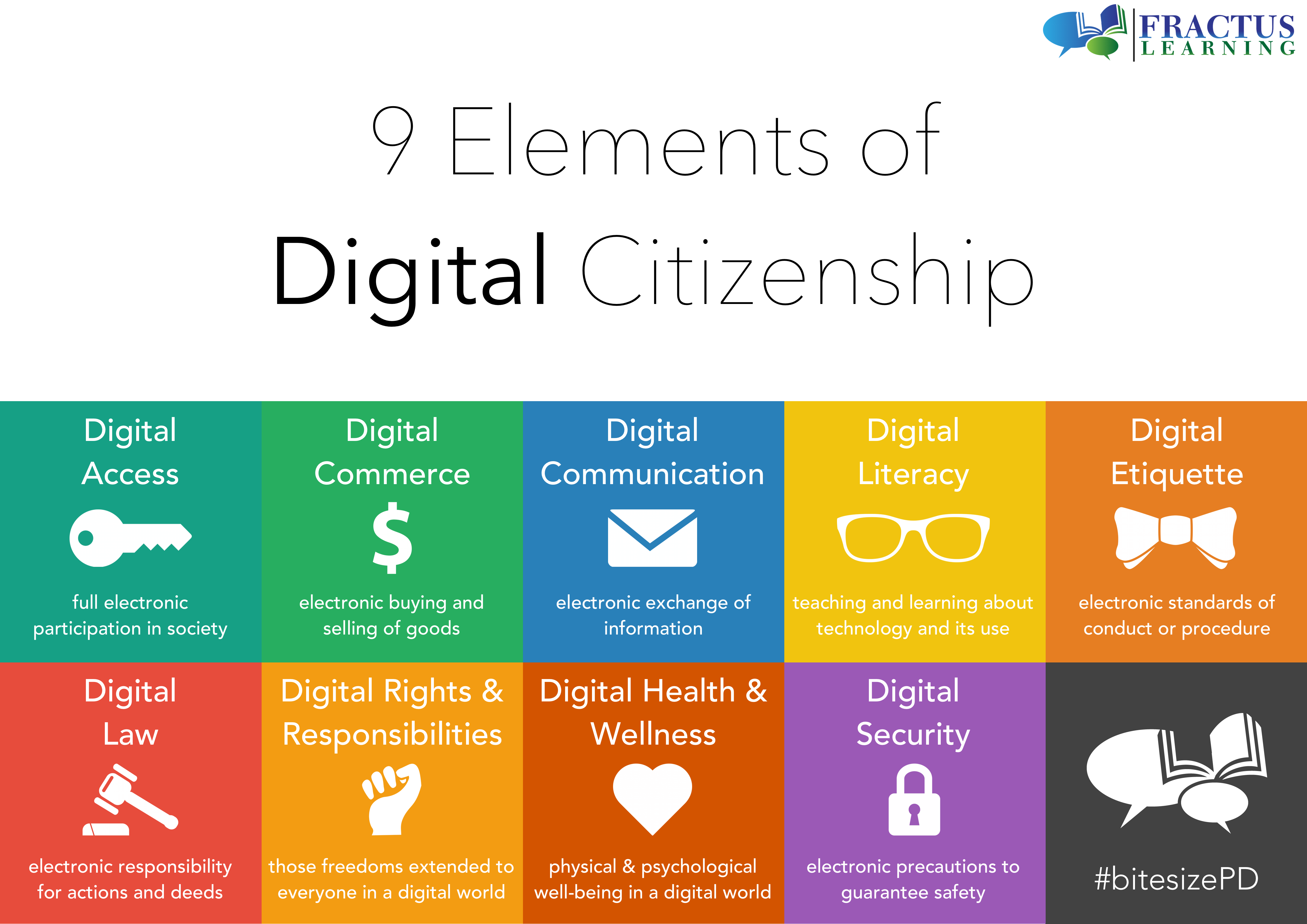
Digital Citizenship: is a concept which helps teachers, technology leaders and parents to understand what students, children, and technology users should know to use technology appropriately. 


Wednesday, March 2, 2016

Learning Module #3 Internet Security

    I have always beeen worried about internet security. I've tried to limit the information I put out ther in cyberworld. I tend to do most of my shopping online, as is't easier to find the best deals. In this module I learned even more aboout how to protect myself when shopping online. 
    Cookies saves your information from your web browser, and records the sites you navigate to. This information is stored as aprofile of your online activities. There are two types of cookies. There is first party cookies which is the site you are visiting, and there are third party cookies which are basically advertisers. This information stored makes your computer and information vulnerable. To help protect yourself, keep your browser updated, check browser settings for to opt out of cookies, and make sure the website is secure.
    Something else I find very important is phishing. With so many people asking for e-mail addresses now, it is easier for hackers to attack. When going through your e-mail be sure you know who it is from. Sometimes just openining an unidentified e-mail could allow attackers to take over your computer. Even if you know who the e-mail is from, be sure to scan any links they send you before clicking on them. Even from a trusted friend, a link could be deadly to your computer, and private information.


New Terminology


Security Hole- Is a flaw or susceptibility in a system that can be exploited. If discovered, are gateways for hackers to install malicious software. 
Phishing- is an attempt to collect priviate information such as Credit/debit cards, social security number, usernames, and passwords.
Trojan- is a program in which malicious or harmful code is contained inside apparently harmless programming or data in such a way that it can get control and ruin file allocations on your hard disk. 
Malaware- is malicious software designed to infiltrate a computer without the owner knowing.


Tuesday, February 16, 2016

In this module I learned more about internet connections and how they worked
This information is good to know, and I find it is interesting how the whole internet
works. So much goes into getting a web page to appear. There are five main
things needed to connect to the Internet.

  1. Protocols
  2. Hardware
  3. Software
  4. Connections
  5. Internet Service Provider(ISP)
The protocols are the rules of the internet. HyperText Transfer Protocol(HTTP) is how the
web gives information. HyperText Markup Language(HTML)is the coding used to create 
web pages.

The main pieces of hardware used to connect to the internet are modem(phone/cable),
network interface card(NIC) when connecting to a Local Area Network(LAN), and a server such as Time Warner or FIOS.


The main pieces of hardware used to connect to the internet are modem(phone/cable),
network interface card(NIC) when connecting to a Local Area Network(LAN), and a server such as Time Warner or FIOS


Tuesday, February 2, 2016

Mudule 1 Learning Expierence

First I would like to say that these first few weeks have been extremely overwhelming. My health issues have have put me in a state of anxiety, confusion, panic, and utter chaos. My thought process may well not even exist, as it takes me nearly an hour to write one paragraph. I am working on getting well, I love technology and learning the way things work. Normally Technology and I get along great, and it almost comes to me naturally. In its self it overwhelming and with the state of my mind right now it it 10x worse.  

I have however, learned a  screen cast is, and how to create one using voice thread. I was already familir with Blogger and Facebook. I love making blogs, it is very timeconsuming, but noramlly it doesn't bother me. I can not wait to dig deeper into the technology aspect of the web.